macOS 26 · Apple silicon and Intel
All your chats.
One window.
Emissary brings every web messenger into one native Mac window, keeps each account in its own session, and puts an assistant on the chat you have open — your provider, your key, and your chats never reach us.
Three days free. No card. One licence per Mac.
What it does
Every account, sealed off from the next.
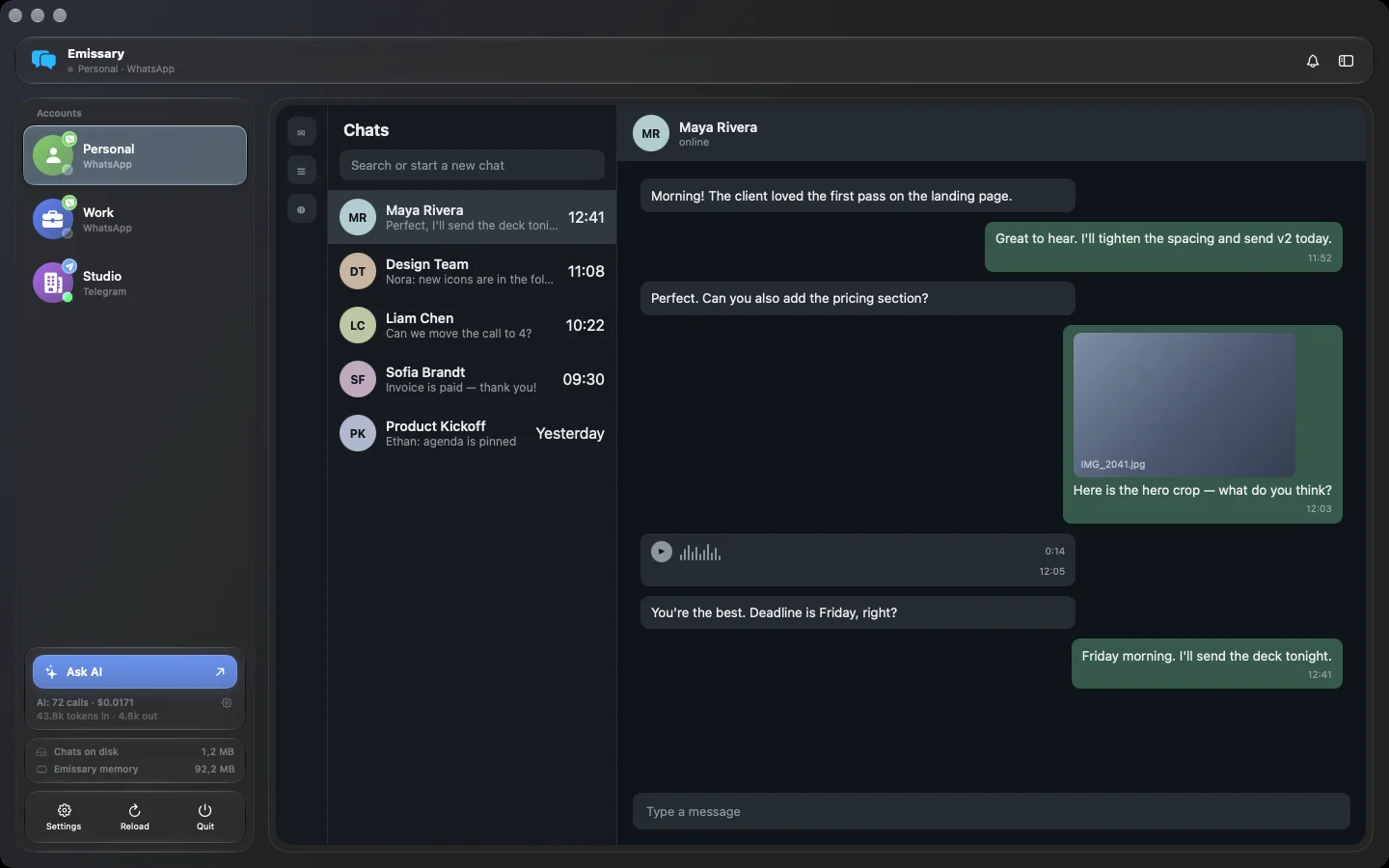
Emissary is a native Mac shell around the services’ real web clients — one isolated WebView per account.
Isolated sessions
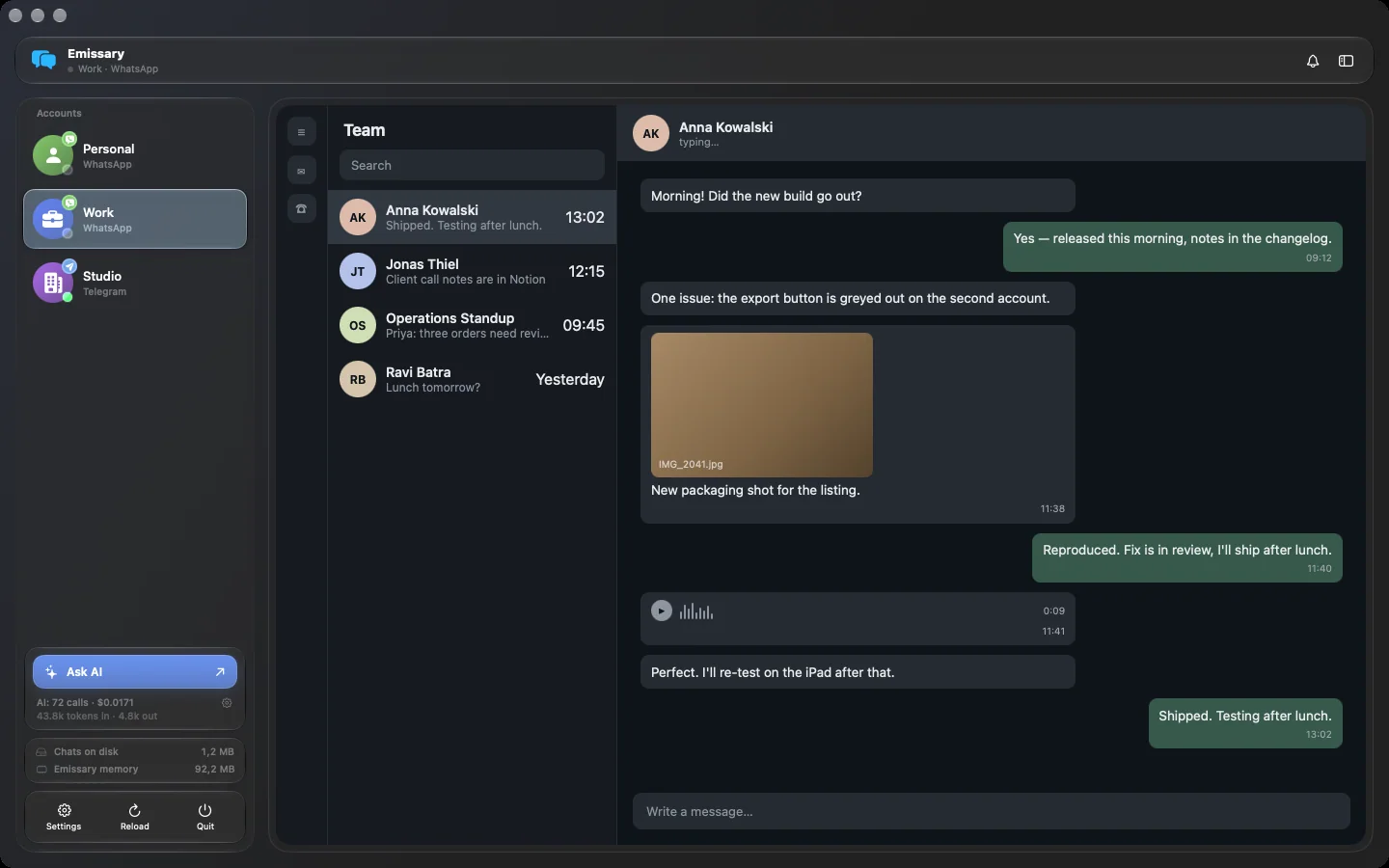
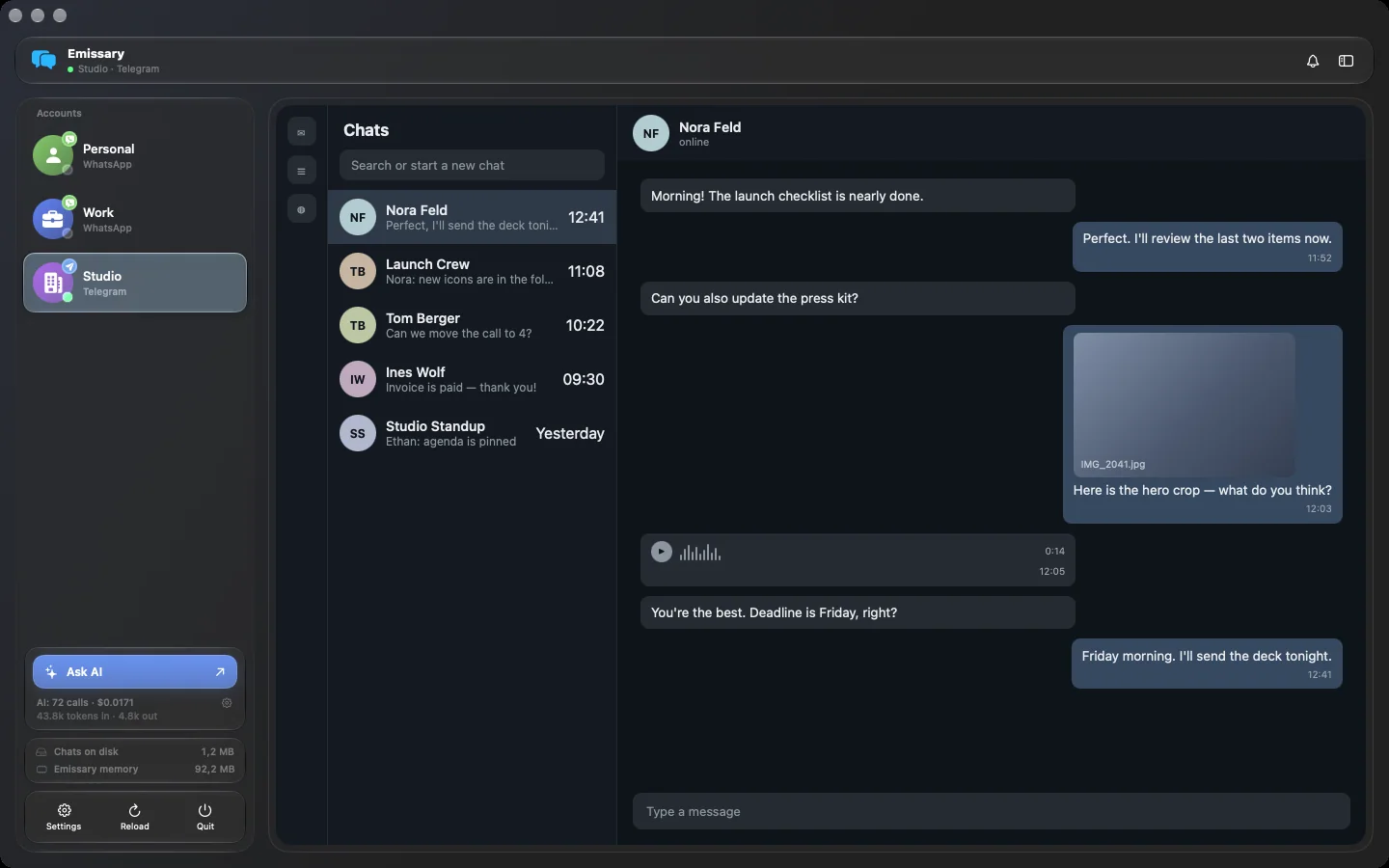
Each account gets its own cookies, storage and login. Your work account never sees your personal chats.
An assistant on the open chat
Summarise, ask for its advice, draft in your own voice, translate, transcribe voice notes, read images, or pull a digest from your whole chat list. Your provider, your key — Apple Intelligence and Ollama run on your Mac.
Export and backup
A settings backup and restore, plus an encrypted export of a conversation when you need to take it elsewhere.
Privacy controls
App lock, hidden message previews, and screen-capture exclusion for calls and recordings.
Eighteen services
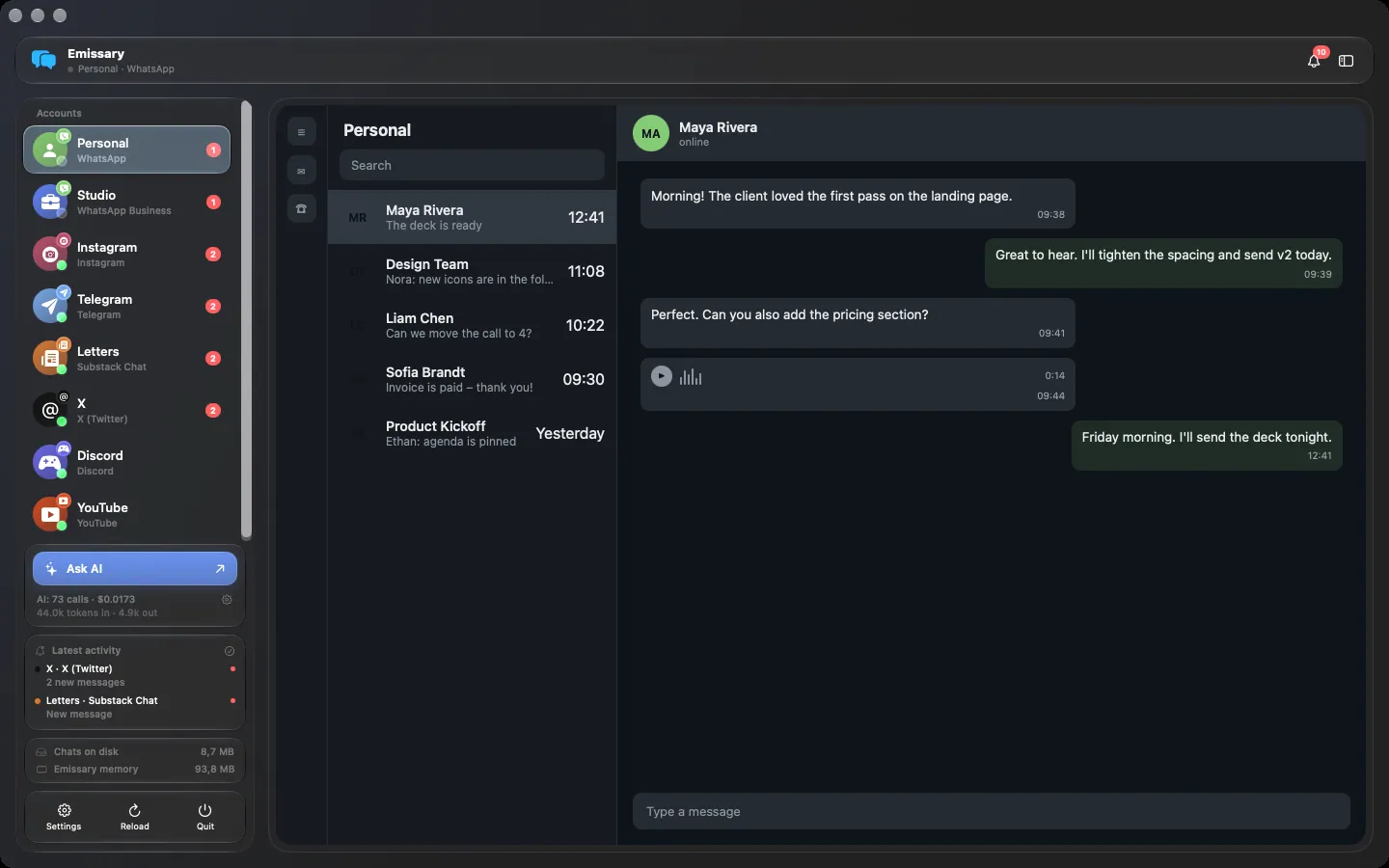
WhatsApp, Business, Telegram, Messenger, Instagram, Discord, Slack, Google Messages, X, LinkedIn, Reddit, Google Chat, Teams, Element, LINE, Snapchat, Substack and YouTube.
The assistant
Three ways to ask it.
On the conversation you have open. It reads that thread, nothing else.
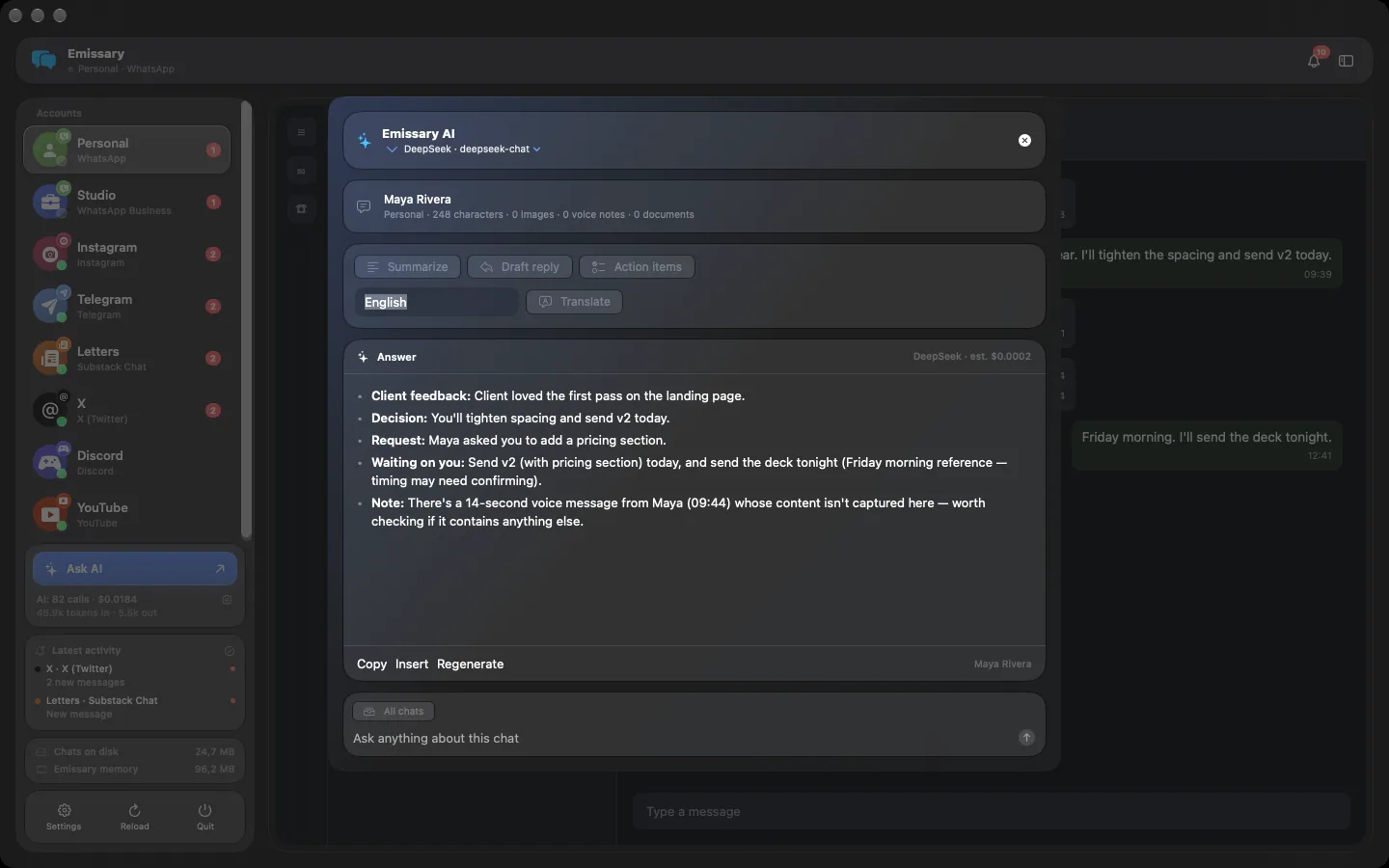
Summarise
What was decided, and what is waiting on you.
Advise
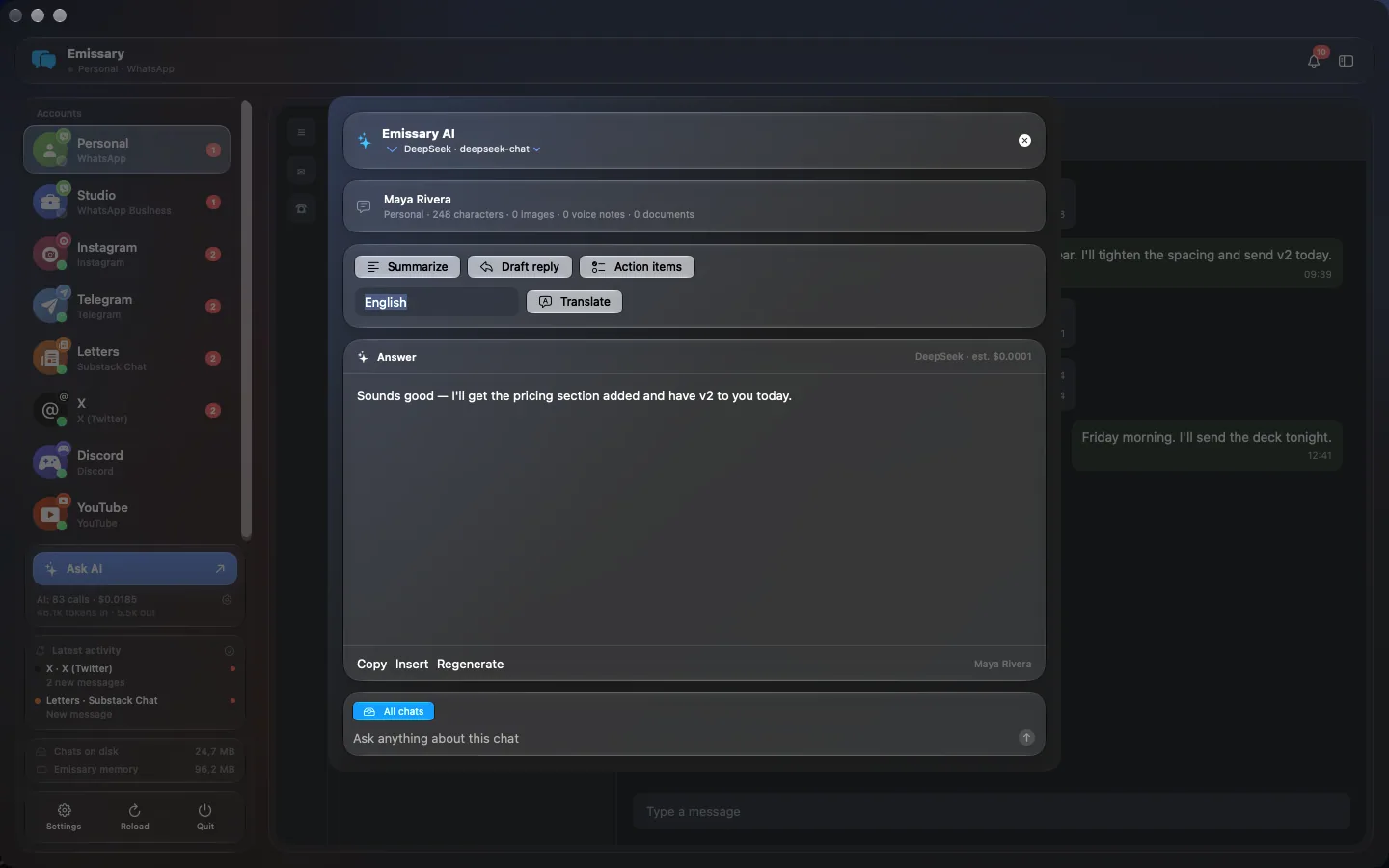
Its own judgement: what is really going on, the options, the risks, what it would do next — and what you might be missing.
My voice
A reply drafted in your own writing style. The profile is built only from messages you wrote yourself; the other person's messages are never read.
Translate
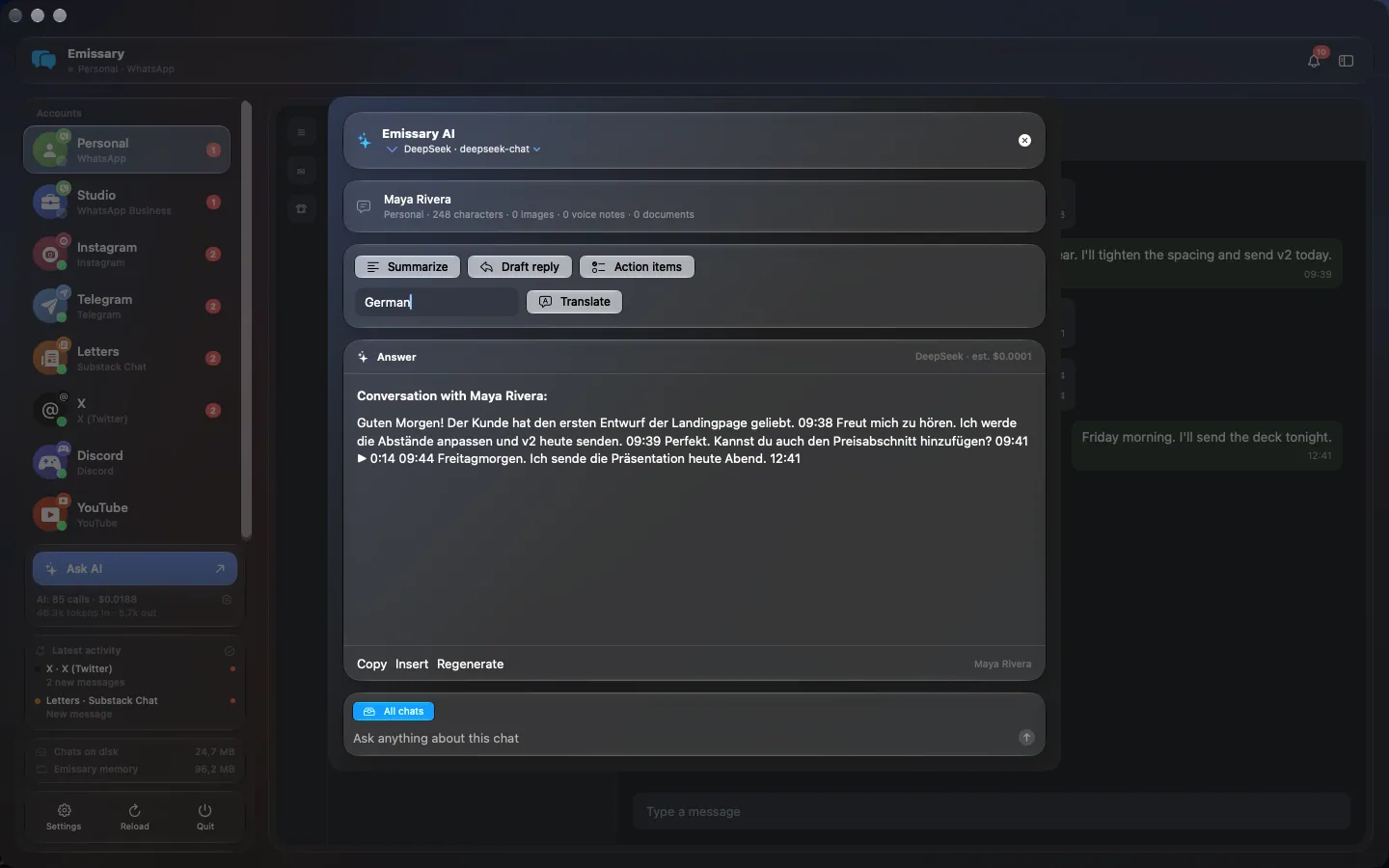
The open thread into another language, in place.
Transcribe voice notes
A voice message as text, next to the audio.
Digest
One summary across the whole chat list, not just one thread.
Answers stream as they arrive, and reasoning models show their thinking while they work. Links in a chat open in your browser — the messenger stays where it is. Restore Purchase sends the device code and receipt to support, and the licence follows by email.
Your voice stays yours.
The style profile is stored on your Mac, shown in full in Settings, and deleted with one button. It is used only when you press “My voice”; it changes when you rebuild it, not while you chat.
Analyze images — beta.
Claude, OpenAI, Gemini, DeepSeek (Flash and chat models) and a vision-capable Ollama model can describe pictures attached to a conversation. Apple Intelligence can only read the text visible in a picture on this Mac; it cannot describe the scene, and the app says so.
Settings → AI shows calls, tokens and an estimated cost per model. Apple Intelligence and Ollama cost nothing — they run on the Mac.
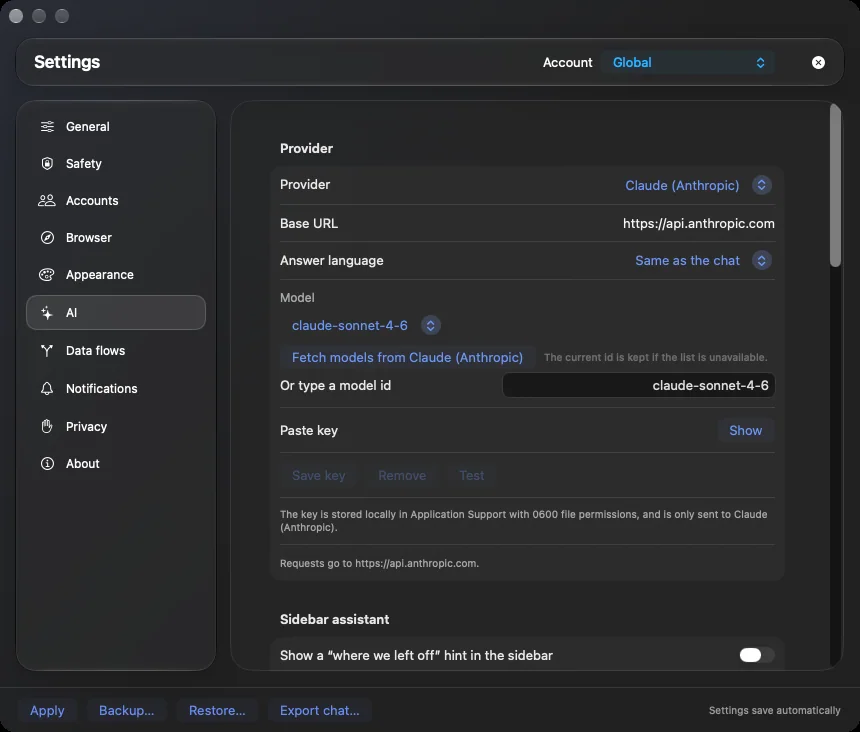
AI features send the conversation you have open — including messages written by the other person — to the AI provider you selected. They are not told and have not consented. With Apple Intelligence or Ollama the conversation stays on your Mac. Your writing-style profile is stored only on this Mac and is deleted when you press Forget.
On a Mac
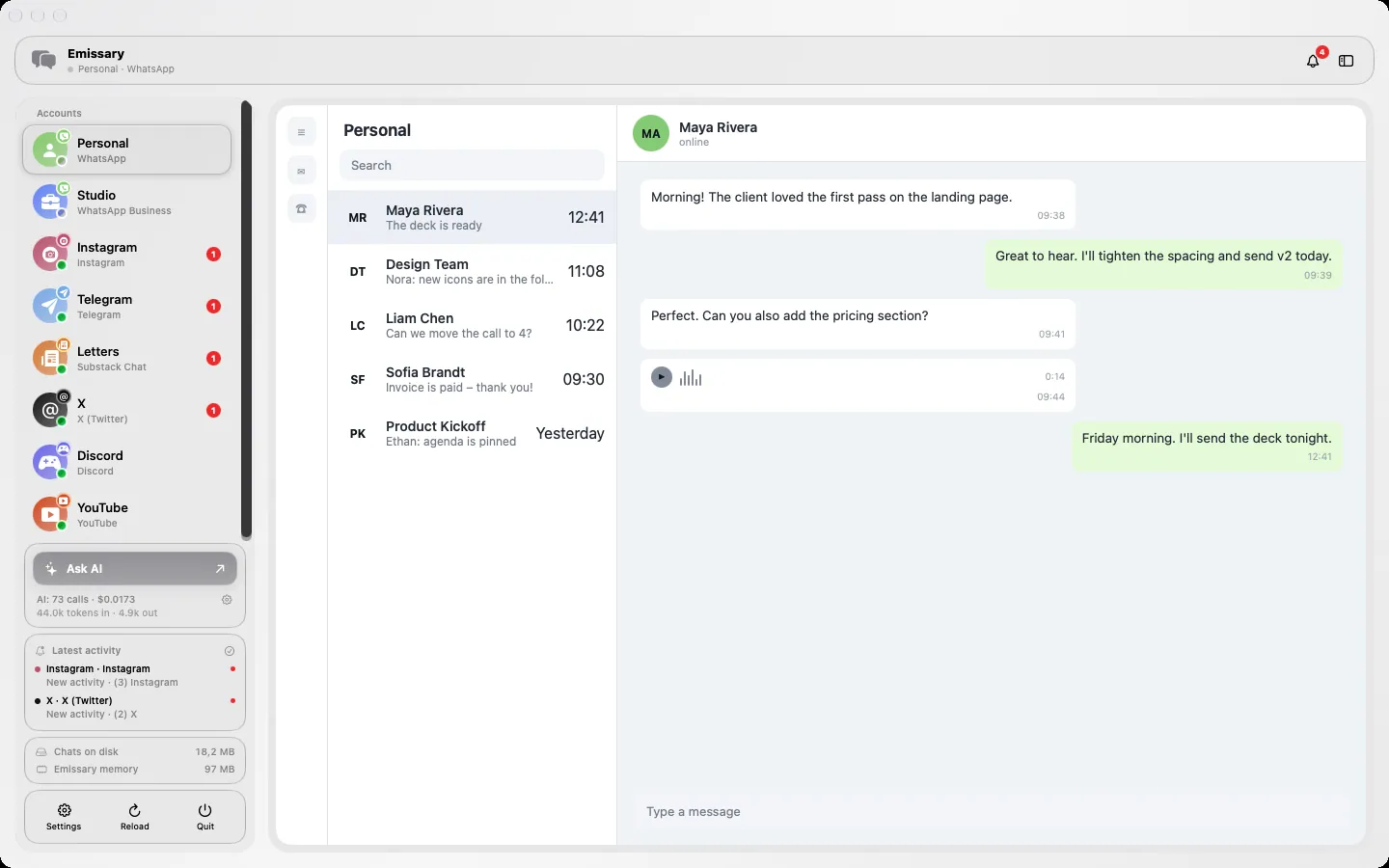
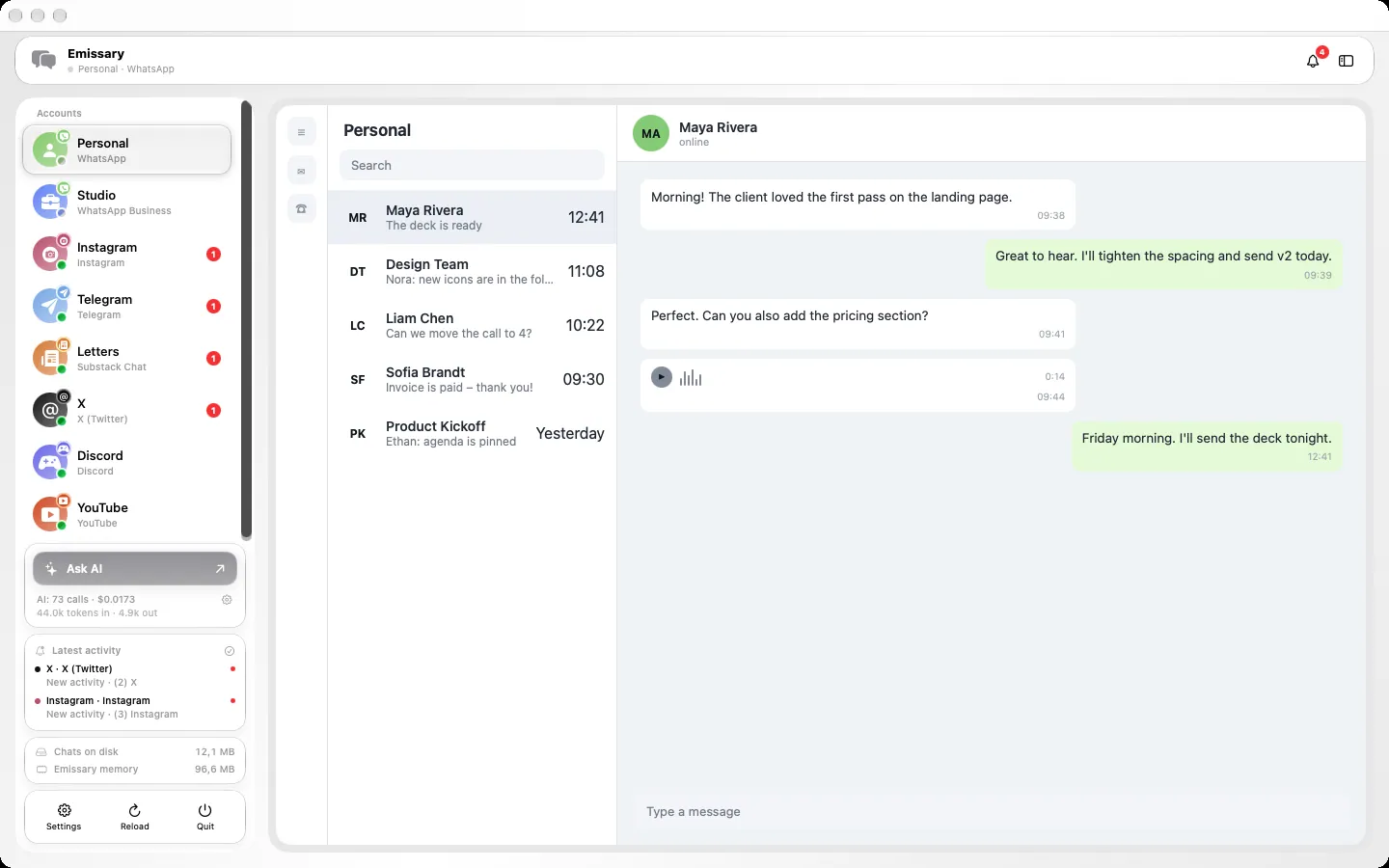
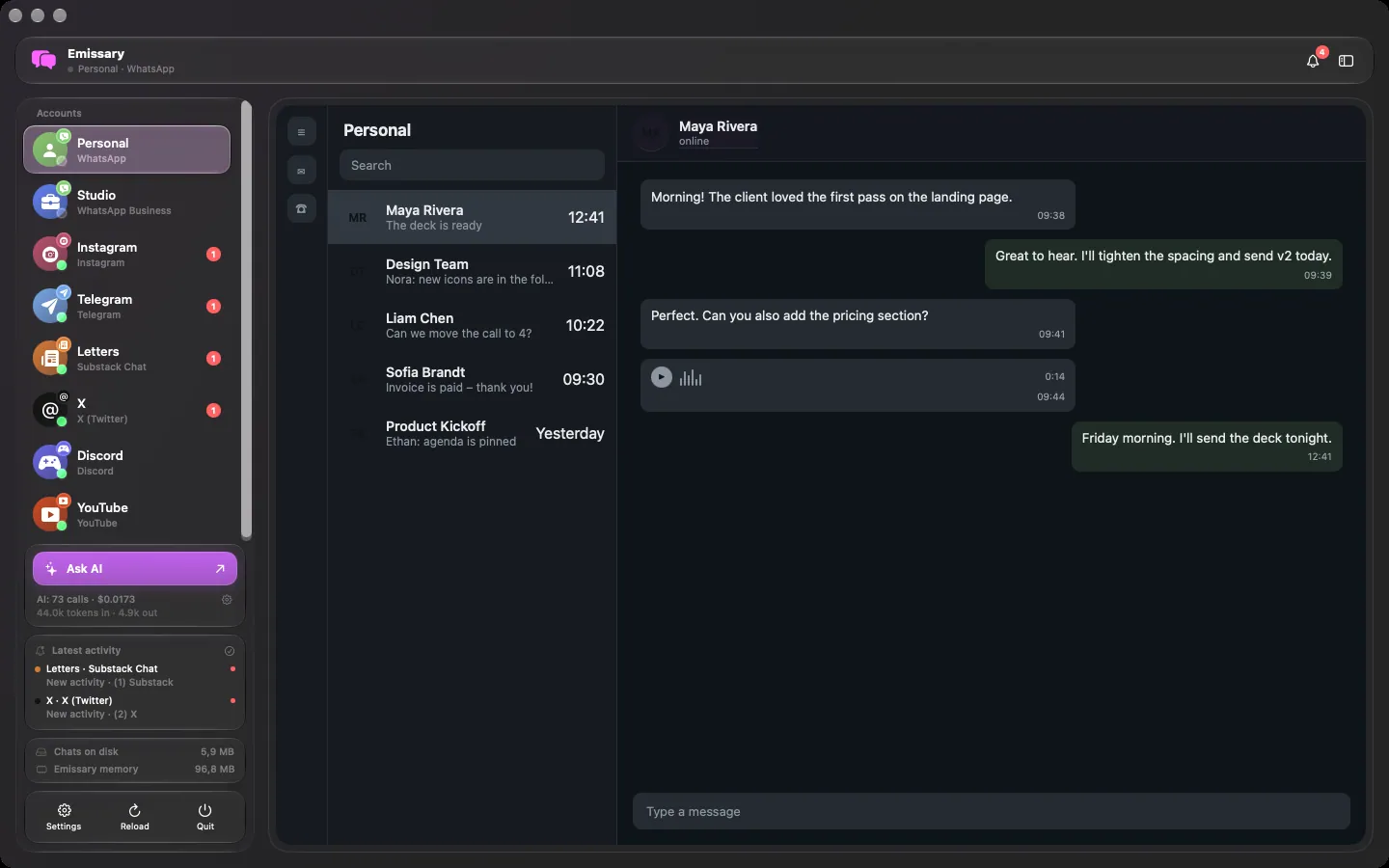
A window on the desktop, not another browser tab.
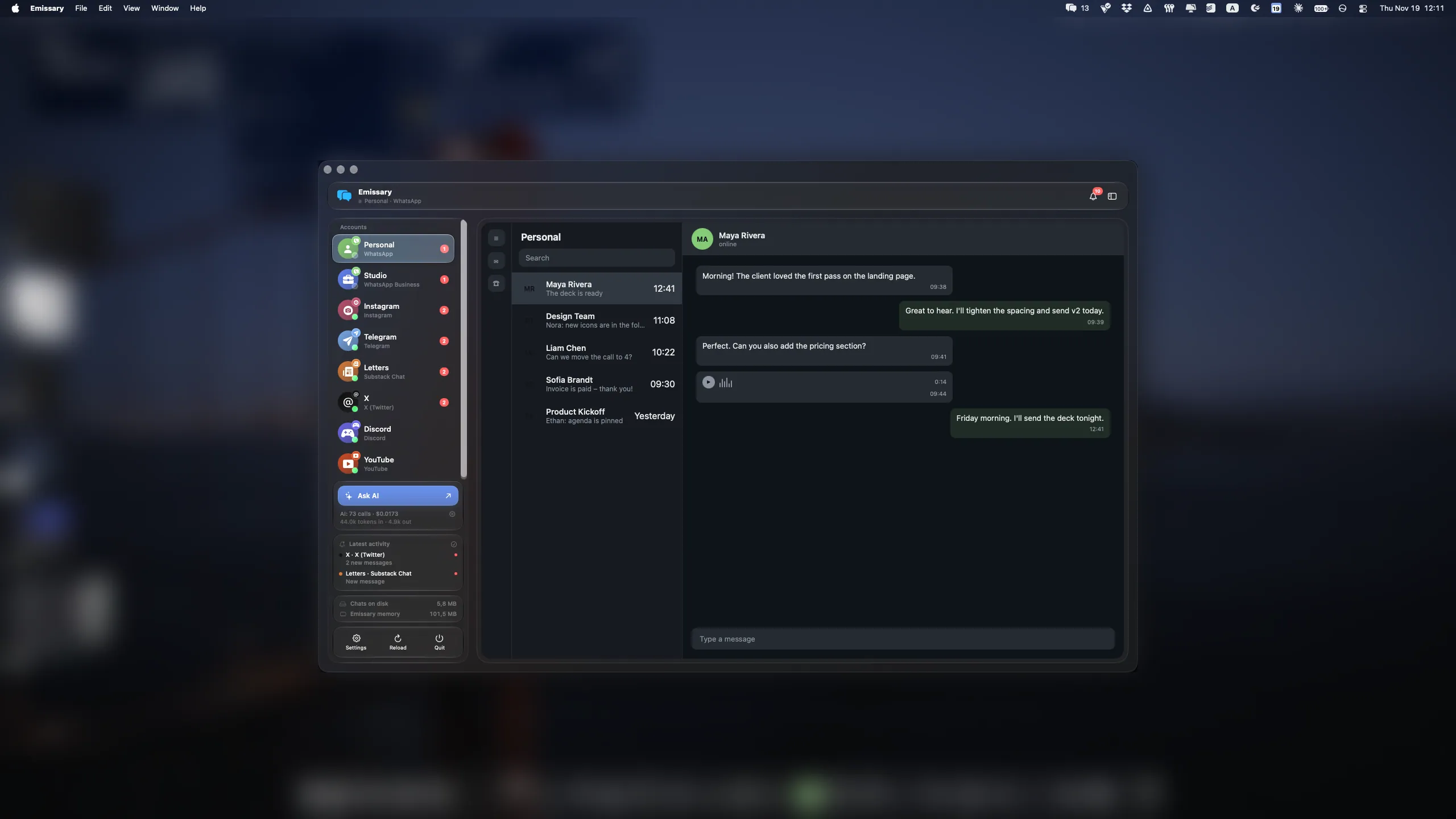
Eight accounts, one window. The desktop around it is blurred; the app is not.
Appearance
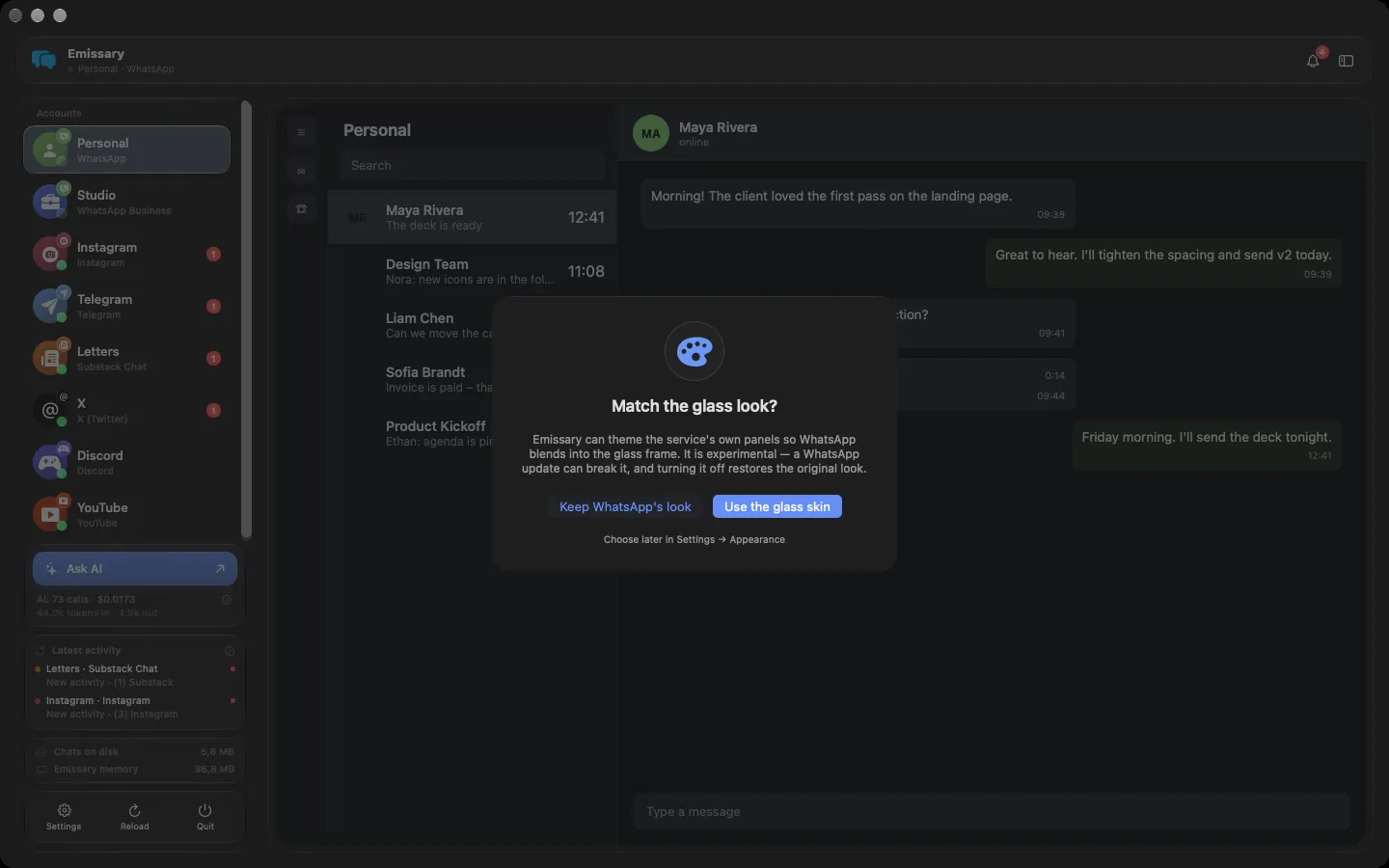
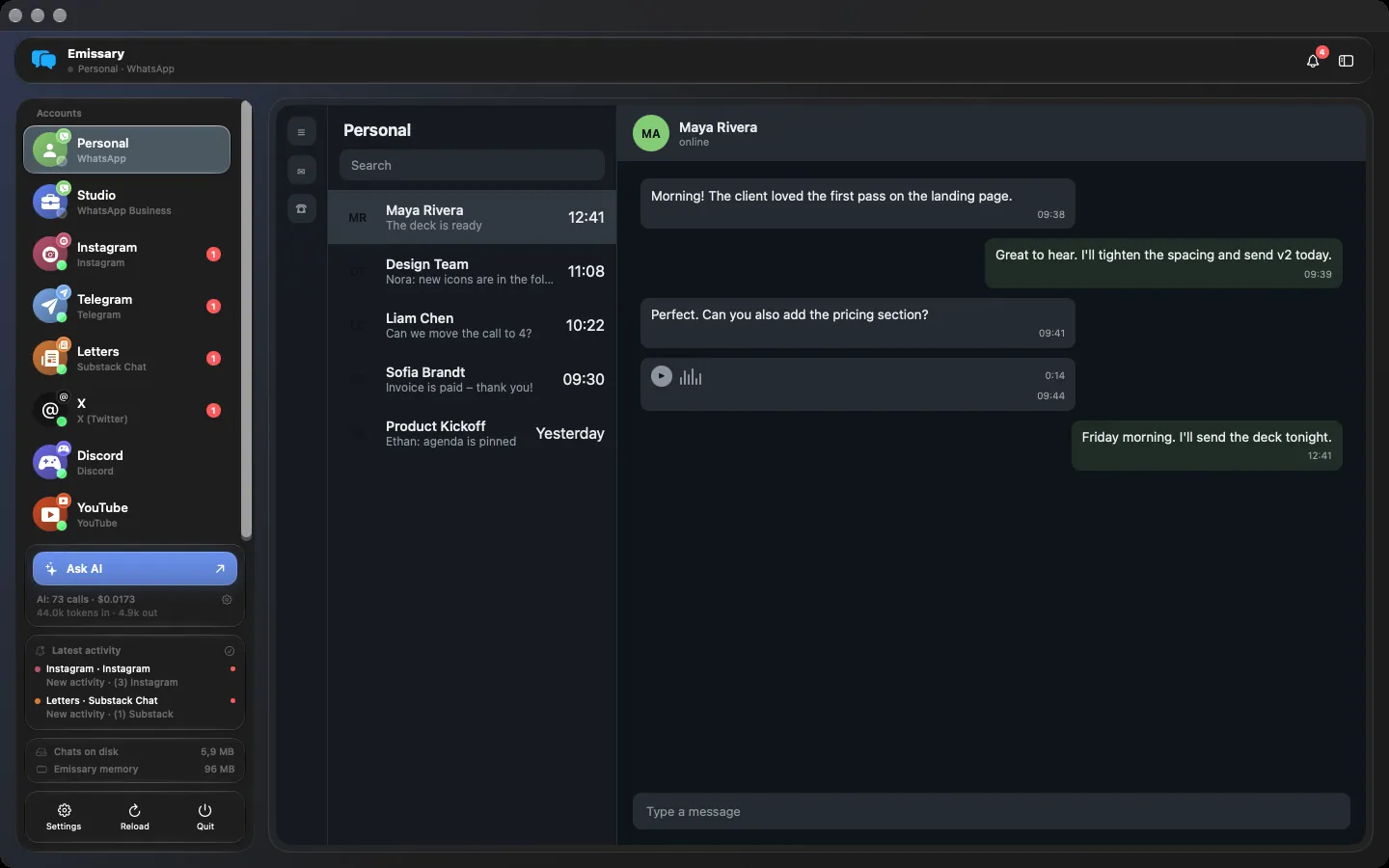
Dark, light, glass or flat.
It does
What works
- Every service in one window, each account signed in on its own.
- Notifications while the app is open, with previews you can hide.
- Your own API key, or a local model that never leaves the Mac.
It does not
What it can’t
- Voice or video calls. The services offer them only to Chromium.
- Picture in Picture inside the app — open the page in Safari instead.
- Chrome extensions or iCloud Passwords autofill. WebKit has no extension platform.
- Alerts while it is closed. A web page cannot wake a closed app.
- An App Store listing. This is an unofficial client, sold here directly.
Works with
Eighteen presets, and any address you type in.
- WhatsApp Business
- Telegram
- Messenger
- Discord
- Slack
- Google Messages
- X
- Google Chat
- Microsoft Teams
- Element
- LINE
- Snapchat
- Substack Chat
- YouTube
- any site with a web client
TikTok is not supported: its web app refuses WebKit. VK is not offered, and Signal, WeChat and iMessage have no usable web client.
Emissary is an independent app. It is not affiliated with, endorsed by or sponsored by WhatsApp, Meta, Telegram, Microsoft, Discord or Slack. Their names are used only to describe what the app can display.
The licence
One Mac. One serial. Five euros.
Try the whole app for three days without a card. If you keep it, you pay once and the licence arrives by email.
Stripe handles the payment. Nothing renews, ever.
- Pay. Stripe takes the payment and sends the receipt.
- Your serial arrives by email, usually within the hour.
- Open Emissary → Enter Serial… and paste it. The app unlocks for good.
- Moving later is free: Settings → About → Release this Mac, then enter the same serial on the new one.
Three days of trial are built in, so the app works before the serial arrives.
- Platform
- macOS 26 or later
- Version
- 1.0.4, released 27 November 2026
- Updates
- built-in updater, checks the signed feed
- Licence
- one Mac at a time
What’s new
Emissary 1.0.4
Released 27 November 2026. Included in your licence.
1.0.427 November 2026
- Links open properly. Clicking a link in a chat now opens a tab in your browser, instead of only bringing the browser to the front.
- Encrypted backups before updates. Before an update installs, Emissary saves your accounts, sign-ins and settings to an encrypted file. If anything is missing afterwards, it restores the data automatically and asks before deleting the backup.
- Backup on your terms. Settings → About → Backup lets you create an encrypted backup with your own password, restore one, or export and import your settings as a small encrypted file. Files use AES-256-GCM; without the password they cannot be opened.
1.0.320 November 2026
- One serial, one Mac. A serial activates on a single Mac with one short online check; afterwards the app works offline. If the serial is already active elsewhere, Emissary says so instead of silently accepting it.
- Moving Macs. Choose Settings → About → Release this Mac on the old Mac, then enter the same serial on the new one.
- Privacy notice updated. Activation sends the serial and a device code derived from the Mac’s hardware identifier; only a hash, the device code and the date are stored.
- Existing buyers unaffected. Licence files and serials already in use keep working exactly as before.
1.0.220 November 2026
- Automatic update checks: daily, can be turned off, background install optional.
- The assistant remembers each conversation.
- Cloud AI asks for confirmation per conversation and offers to run the action on-device.
- Phone numbers, email addresses and IBANs are redacted before anything is sent.
- Apple Intelligence is preselected on Macs that support it.
1.0.1 and 1.0.0 were the first builds, released on 20 November 2026.
Questions
The four that come up.
Can I use Emissary on a new Mac?
Yes, free. Release this Mac on the old one — Settings → About → Release this Mac — then enter the same serial on the new one. If the old Mac is broken or gone, write to [email protected] and we release the activation.
What if I am offline when I enter my serial?
Activation needs the internet once. The 3-day trial keeps running until it succeeds; enter the serial again later.
Does activation send my chats?
No. Only a hash of the serial, a device code and the date. Nothing else.
What do the AI calls cost?
Apple Intelligence and Ollama are free and local. If you choose a cloud provider, you pay that provider directly on your own key.
Five euros, once.
Updates through 1.x are included. Your key, your accounts, your Mac.