Clearout · macOS 14 or later
Your Mac,
clean and quiet.
A local-only cleaner and monitor for macOS. No account, no telemetry, and nothing is deleted without your confirmation.
Free on the Mac App Store as Clearout Plus. The full edition, Clearout Pro, is a direct download, notarised by Apple.
What it does
Five things, done carefully.
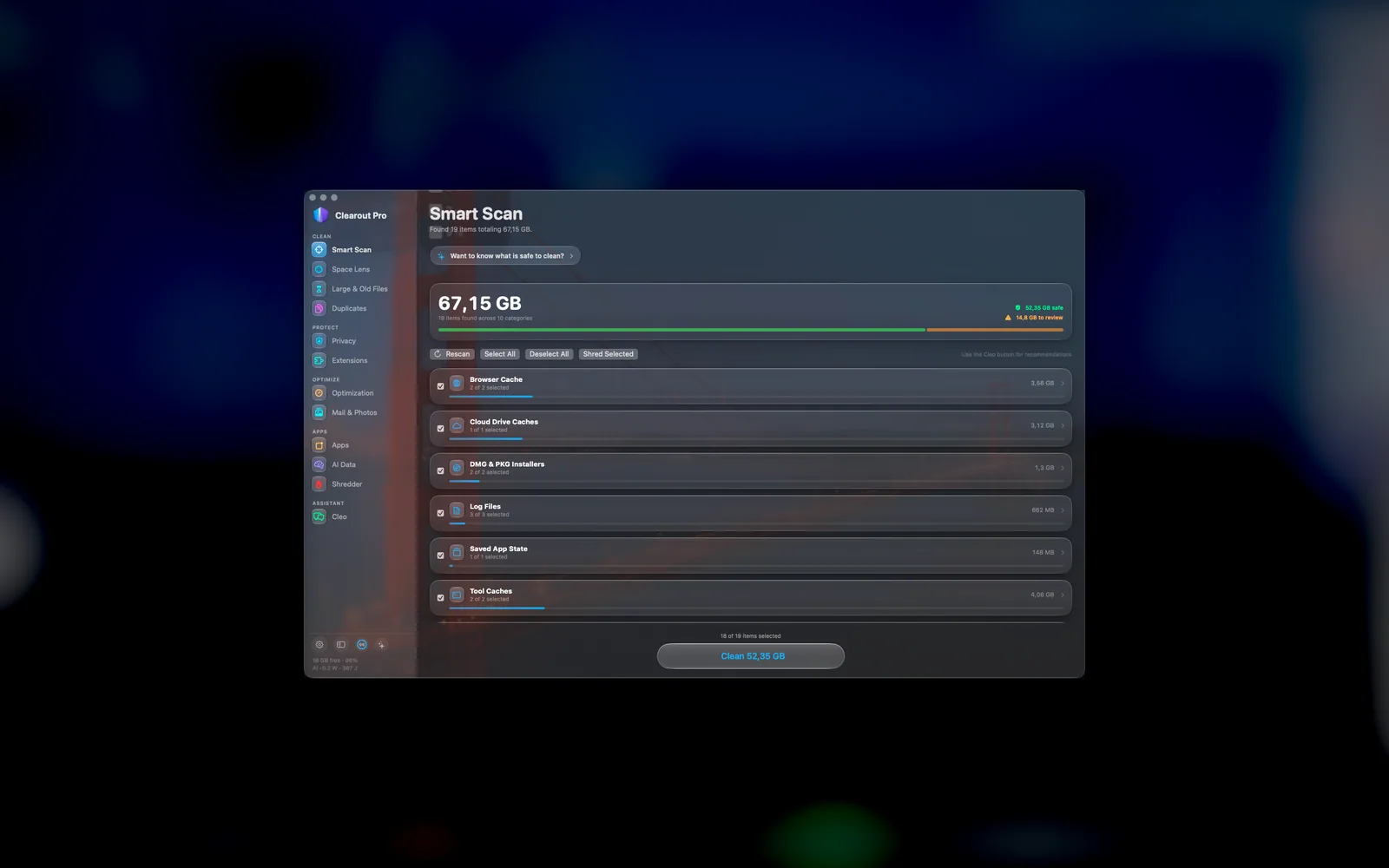
Smart Scan
One pass over ten categories — caches, logs, old installers, developer leftovers. It lists what it found, marks what is safe, and waits for you. Nothing is removed on its own.
Clearout Pro.
Space Lens
A bubble map of the disk: each bubble a folder, its size the area, its colour the kind of file. The largest items are ranked beside it, so the answer to “where did it go” is one glance.
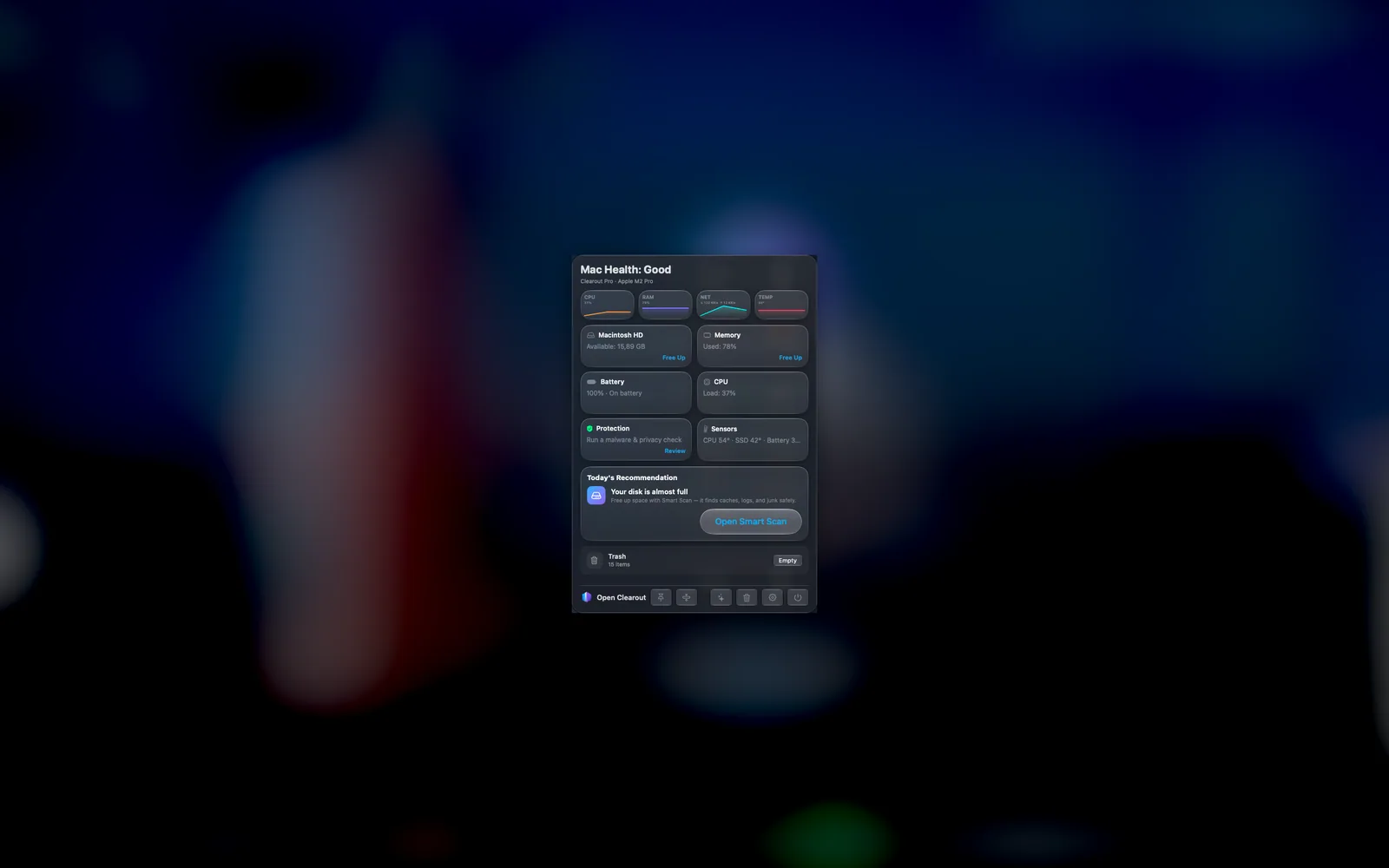
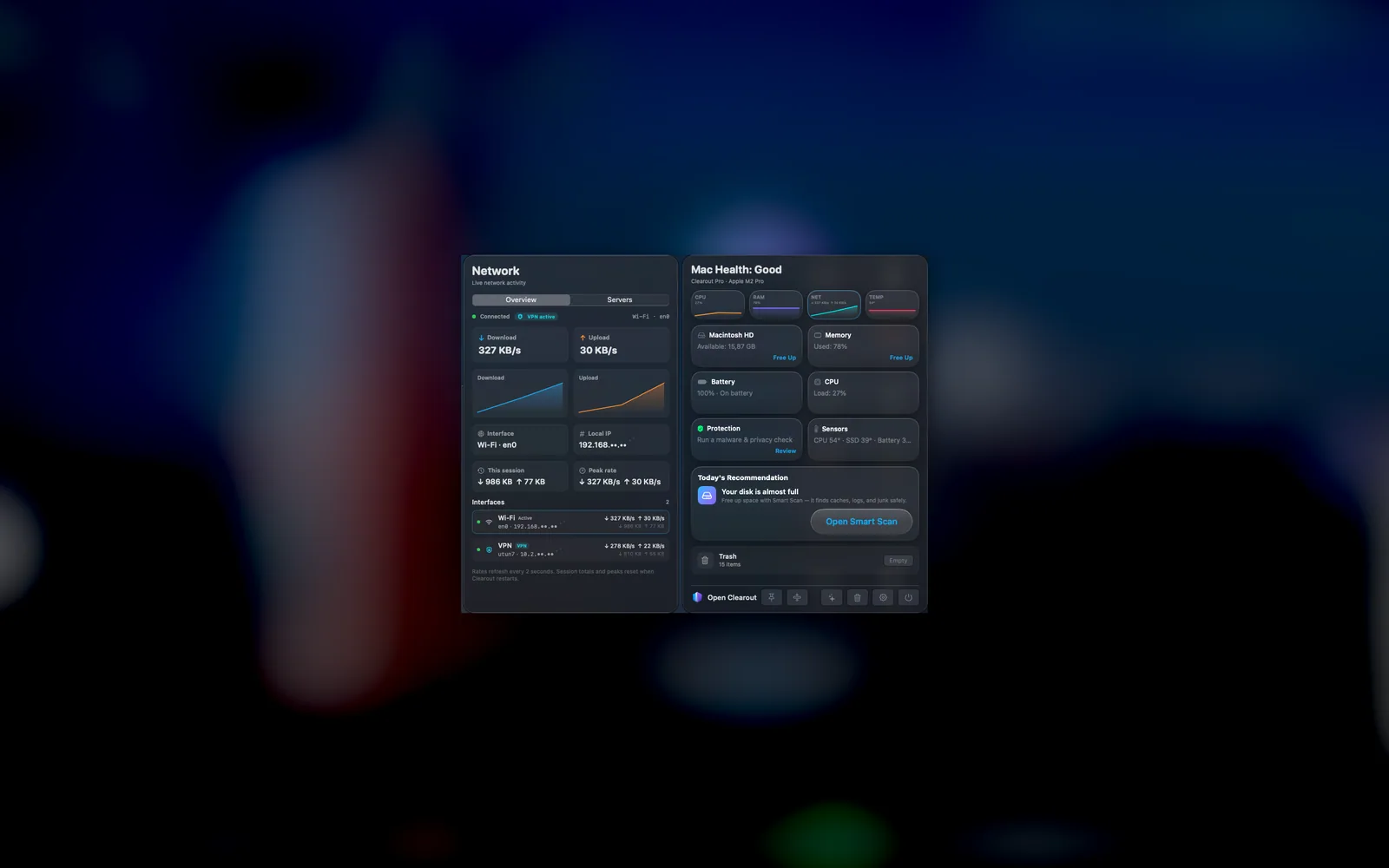
Menu bar and network
The menu bar carries CPU, memory, disk, battery and the sensors. The network panel adds VPN detection and per-interface traffic; Bluetooth devices are listed beside it.
Cleo
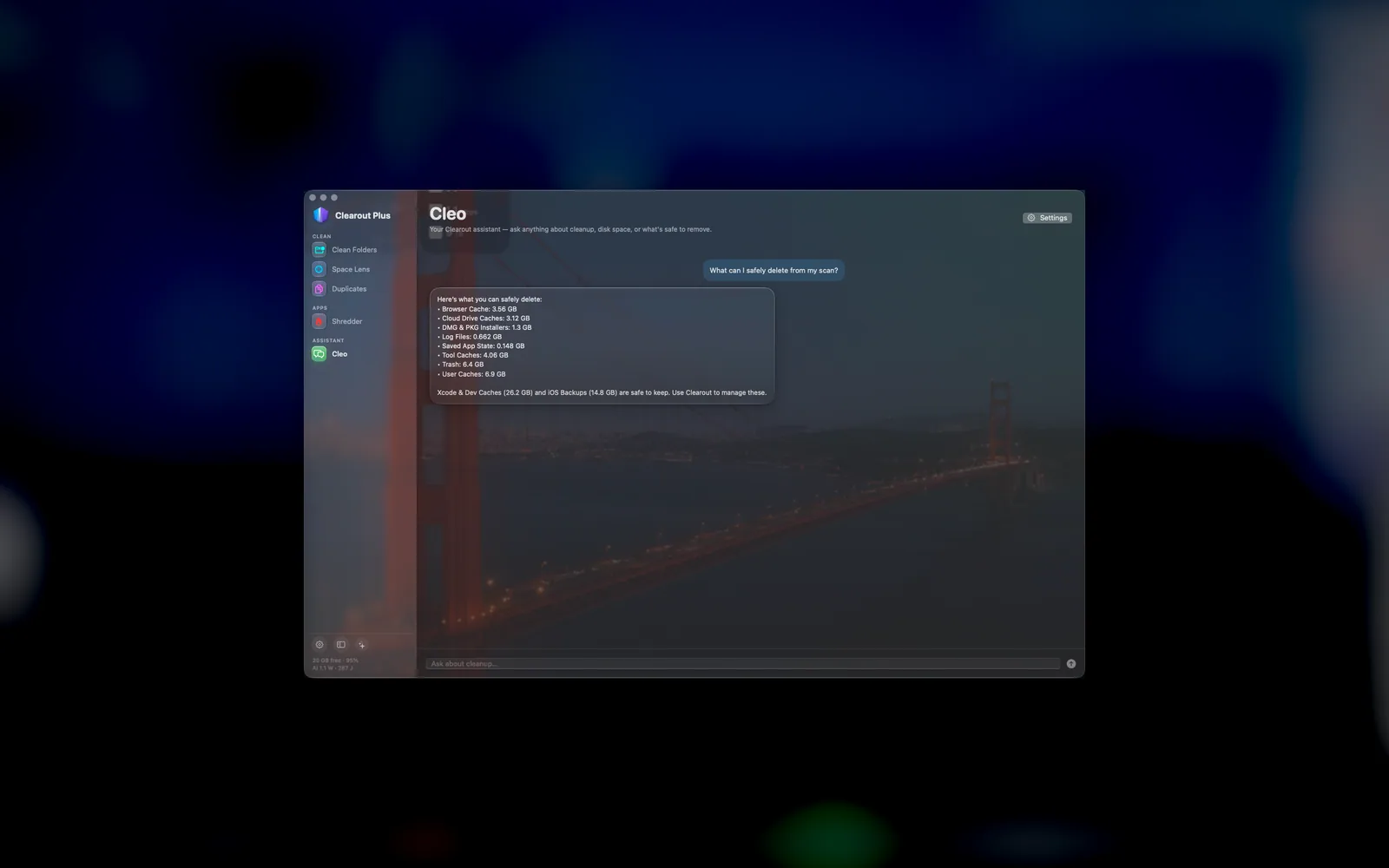
Ask what is taking the space. Cleo answers from the scan in front of you — on the Mac, with Apple Intelligence. In Pro you can bring your own provider key instead; nothing is sent unless you press the button.
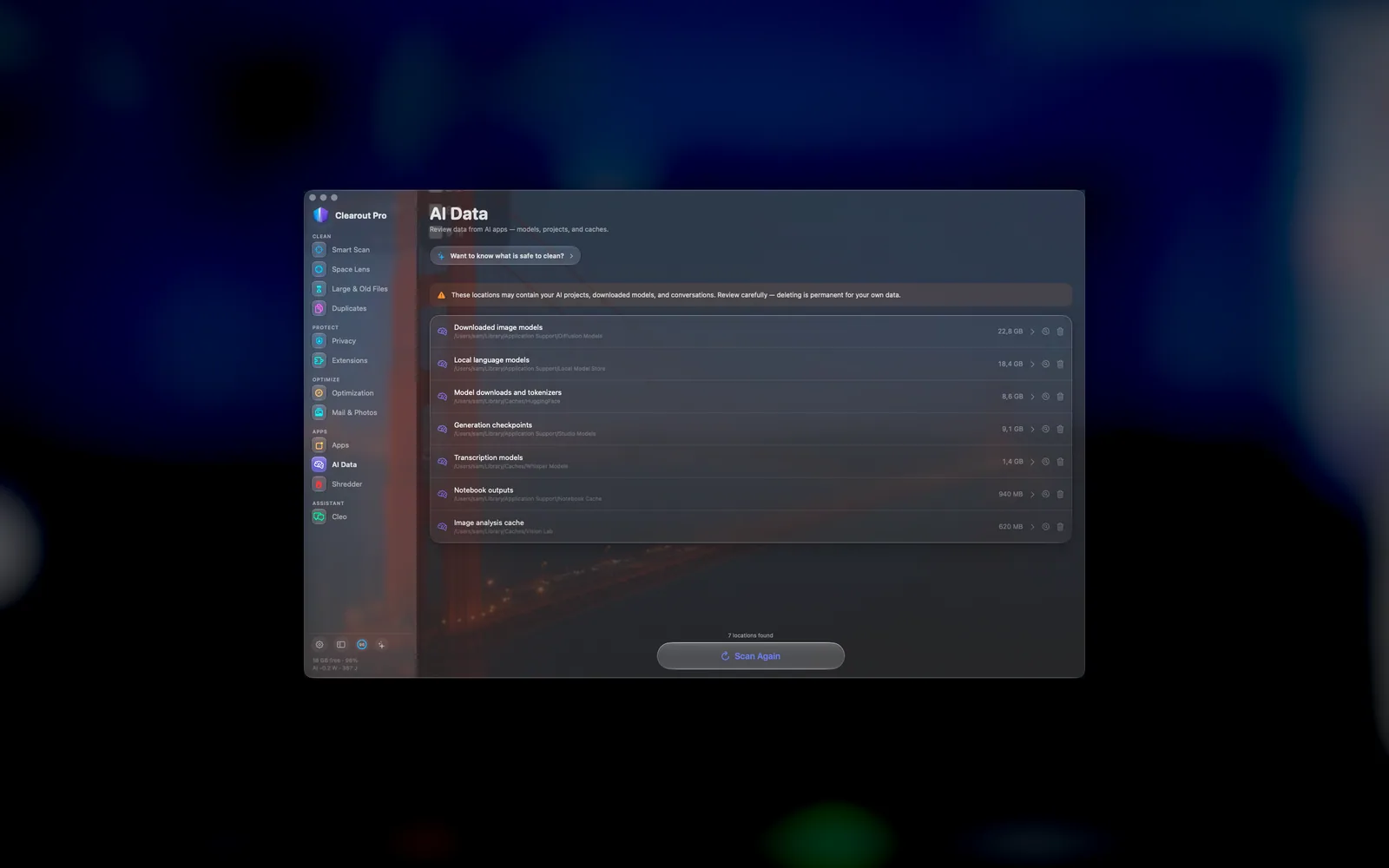
AI Scanner
AI tools leave their models, caches and notebook output in places you forget about — Ollama, LM Studio, Jan, Hugging Face, ComfyUI, Cursor, ChatGPT and the rest. The scanner lists every location it finds, with its size. In Clearout Plus it only reads: there is no delete button.
Clearout Pro adds Cleo's judgement and a Copy prompt button, which hands the list to another AI and asks it to check for a newer model, name the risks, and ask before recommending anything. Every deletion stays your decision.
These folders grow to gigabytes without anyone noticing, and they sit beside the projects you actually work on.
In the App Store edition
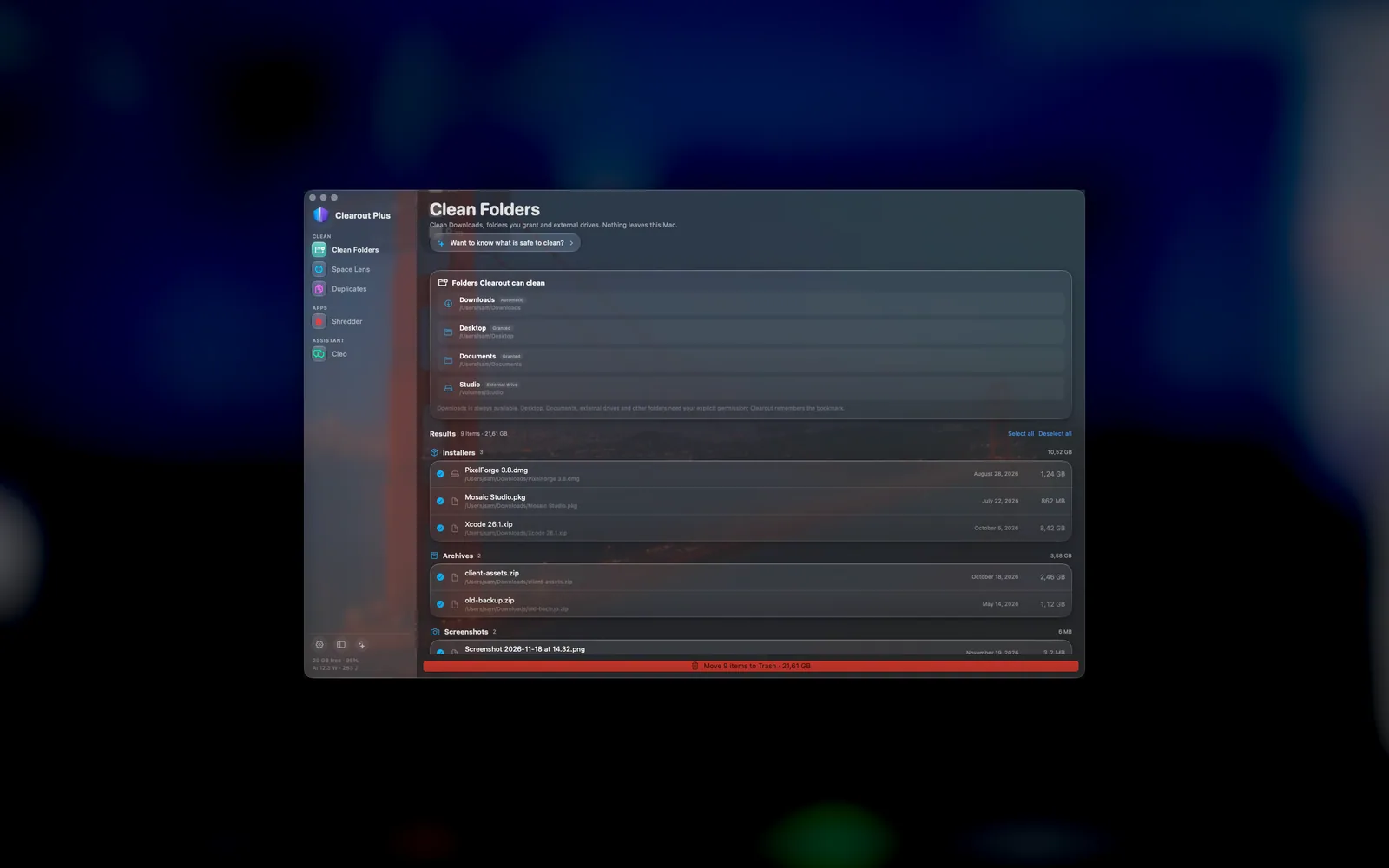
Clean Folders, and why they ask permission.
In Clearout Plus, Downloads works out of the box. Desktop, Documents and any external drive appear only after you grant access to them.
That is the sandbox: an App Store app may look at what you hand it and nothing else. Grant a folder and it is cleaned like any other; leave it ungranted and it stays untouched.
The screenshots show a demo library, not a real user.
Editions
Two editions, same idea.
Plus is what the App Store allows. Pro is what a whole disk needs.
| Clearout Plus | Clearout Pro | |
|---|---|---|
| Where | Mac App Store | Direct download, notarised by Apple |
| Price | Free | To be announced |
| Account | none | none |
| Menu bar: CPU, RAM, disk, battery, sensors | yes | yes |
| Network overview, VPN detection, per-interface traffic | yes | yes |
| Bluetooth devices | yes | yes |
| Cleo on-device | yes | yes |
| Cleo with your own API key | — | yes |
| Clean Folders | Downloads automatic; Desktop, Documents, external drives after you grant them | full home folder |
| Space Lens, Duplicates | granted folders only | whole disk |
| Shredder | yes | yes |
| Smart Scan | — | yes |
| Uninstaller with leftovers | — | yes |
| Large & Old Files | — | yes |
| Optimization | — | yes |
| AI Scanner: models, caches, notebooks | lists them, read-only | list, plus Cleo and Copy prompt |
| Protection: malware scan, permissions, browser data | — | yes |
| Real-time malware monitor | — | yes |
| Server discovery | — | yes |
| Fan control | — | yes |
| Empty Trash | — | yes |
| Updates | App Store | built-in updater |
The Protection tools scan and report; they show what they found and leave the decision to you.
Why the paths differ
A sandbox cannot clean a whole disk.
The Mac App Store requires every app to run inside a sandbox, and a sandbox may only reach the folders you open to it. The edition that cleans everything is therefore distributed directly, signed and notarised by Apple. Same app, two ways to install it — pick the one that matches what you need cleaned.
Releases
Nothing shipped yet.
Clearout Plus is not on the Mac App Store and Clearout Pro is not on sale. The first version will be listed here with its date and what changed — the same notes that appear in the App Store once Plus arrives.
Privacy
It stays on your Mac.
Scans run locally. There is no account, no telemetry and no analytics. Cleo runs on-device; a cloud provider is used only if you bring your own key, and then only when you press the button.
The full notice, including what Cleo sends and where it goes, is at insolutionlabs.com/clearout-privacy.